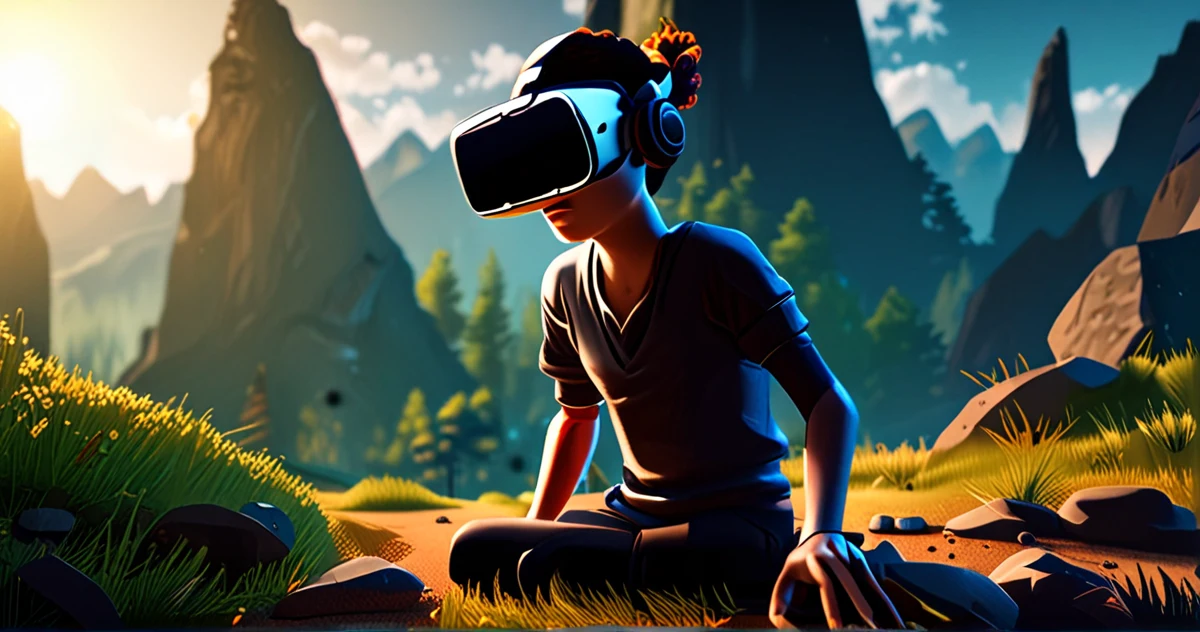
Your First VR Game on Meta Quest 3: Practical Guide with Unity
You have an idea for a VR game, but you think creating for the Meta Quest 3 requires years of experience? Think again. A developer on Reddit asked exactly this question: "Do I have any hope of creating a VR app with zero experience?" The answer, based on community feedback, is a resounding yes, provided you follow the right approach.
The key lies in using accessible tools like Unity and the Oculus Integration package. Contrary to what one might believe, you don't need to master complex code for your first steps. This article guides you step by step in creating your first VR application for the Meta Quest 3, demystifying the process and identifying essential resources.
1. Prepare Your Development Environment
Before diving into 3D creation, you need to properly configure your workstation. Installing the right software is often cited as the first significant hurdle, but it's perfectly surmountable.
Start by downloading and installing Unity Hub, then the latest stable version of Unity (LTS recommended). Next, create a new 3D project. According to Meta's official tutorial, your first application can be a simple experience that introduces primary Unity concepts like 3D objects and components.
The crucial next step is adding the Oculus Integration package. As advised by a user on Reddit, you can install it directly from the Unity Asset Store. This package contains all the prefabs, scripts, and settings needed to interact with the Quest 3 controllers and manage VR rendering.
2. Understand Basic Unity Concepts in VR
Unity operates on a system of objects (GameObjects) and components. In the context of VR for Quest 3:
- A GameObject can be your virtual hand, an environment, or an interactive object.
- Components define its behavior: a "Rigidbody" for physics, a "Mesh Renderer" for display, or specific OVR (Oculus VR) scripts for input.
The basic Meta Horizon OS tutorial suggests starting with a minimalist scene. Add a plane (floor), a few 3D cubes, and most importantly, integrate the OVRCameraRig prefab from the Oculus Integration package. This prefab automatically handles stereoscopic rendering and head tracking, which is fundamental for a comfortable experience.
3. Integrate Interaction with Quest 3 Controllers
This is where the magic happens. The Oculus Integration package greatly simplifies input access. You don't have to code controller tracking from scratch. Use components like OVRControllerHelper or OVRHand to visualize and track hands and controllers in virtual space.
To add interaction, such as grabbing an object, you can use the provided "Physics Grabbable" system. Simply attach the OVRGrabbable component to an object (like a cube), and the OVRGrabber component to the virtual controller. Unity's basic physics and Oculus scripts handle the rest.
4. Build and Test on the Quest 3
The build phase is critical. In Unity's build settings (File > Build Settings):
- Add your scene to the list.
- Change the platform to Android.
- In Player Settings, under "Other Settings", ensure the "Minimum API Level" is compatible and the "Package Name" is unique.
Connect your Meta Quest 3 in developer mode via a USB-C cable. Unity should detect it as a build target. Press "Build And Run". Your first VR application, however simple, will compile, install, and run directly on the headset. It's a revealing moment that validates the entire process.
5. Comparison: Starting With or Without Integration Package
To better understand the advantage of the provided tools, here is a comparison of the two approaches for a beginner.
| Aspect | With the Oculus Integration Package | Without Package (Manual Approach) |
|---|---|---|
| Initial Setup | One-click installation from the Asset Store. Ready-to-use prefabs. | Requires manually writing scripts for head and controller tracking. |
| Input Management | Dedicated components (OVRInput) abstracting the complexity of Quest buttons and joysticks. | Must manually map each physical input to an in-game action. |
| VR Rendering | The OVRCameraRig prefab automatically configures cameras for stereoscopic view. | Must configure two cameras, their spacing (IPD), and stereo rendering manually. |
| Learning Curve | Much smoother. Allows focusing on game logic. | Very steep. Requires deep understanding of the graphics pipeline and SDKs. |
| Time for a First Prototype | A few hours to a day. | Several days or weeks, with risks of configuration errors. |
As this table shows, using the Oculus Integration package is not just a convenience; it's an essential productivity multiplier for beginners. It transforms a complex technical challenge into a series of logical steps.
6. Going Beyond the Basic Tutorial
Once your first scene is functional, the community recommends exploring the examples provided in the Oculus Integration package. These scenes demonstrate advanced mechanics like teleportation, VR-adapted user interface (UI), and two-handed interactions.
To progress, set yourself a small concrete project. A Reddit user shared their experience: "I followed the shooting game tutorial." Recreating a classic mini-game (grabbing objects, shooting targets) with Oculus assets is an excellent exercise to consolidate concepts.
Remember that the initial obstacles, often related to installing Android SDK/ADB or configuring Unity, are normal. Forums like Reddit (r/OculusQuest, r/Unity3D) are full of solutions to these common problems.
Conclusion: From Concept to Shareable Experience
Building your first VR game for the Meta Quest 3 is less a matter of innate talent than methodology. By starting with a simple application in Unity and relying on the Oculus Integration package, you bypass the most daunting technical complexities. You learn by doing, iterating on a basic scene until it becomes interactive.
The real frontier is no longer technical, but creative. Now that the tools have democratized access, what unique experience, what sensation, or what small world do you want to bring to life through the lenses of the Quest 3?
To Go Further
- Developers Meta - Build Your First VR App - The official basic tutorial for creating a first VR app with Unity.
- Reddit - Do I have any hope of creating a VR app with zero experience? - Community discussion about starting VR development with no experience.
- Reddit - Developing for the GO, where to start? - An older but still relevant discussion thread about first steps in development for Meta platforms, mentioning installation challenges.