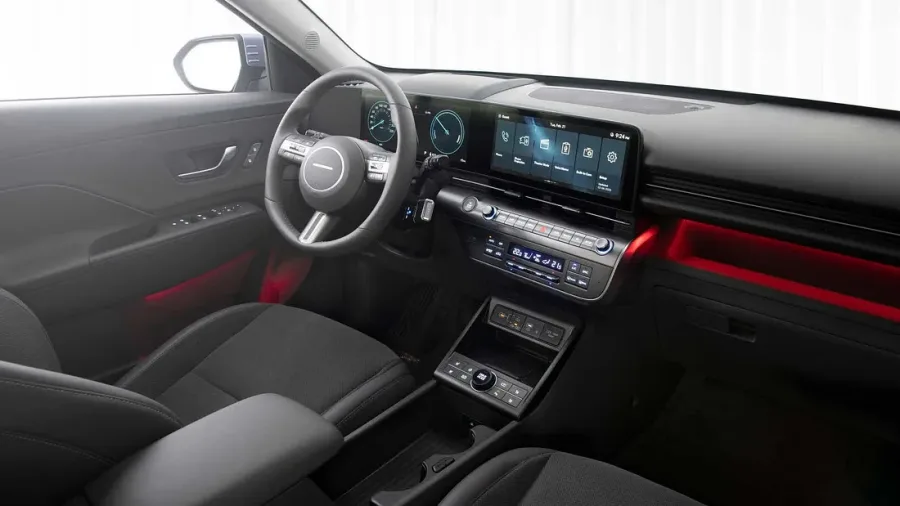
Ten years ago, removing physical buttons was seen as a sign of modernity. Today, bringing them back has become a selling point. In March 2025, Volkswagen announced that it would reintroduce physical buttons on its steering wheels and dashboards, after years of criticism of its touch controls. This decision illustrates a broader trend, particularly visible at CES 2025, where several automakers and gadget manufacturers showed hybrid interfaces combining screens and physical controls. But why this reversal? And what does it mean for you, the buyer, who must navigate between all-touch devices and more traditional products?
This article answers the key questions that digital professionals and demanding consumers are asking. We will examine the reasons for abandoning all-touch controls, the concrete advantages of physical buttons, the warning signs to watch for before buying, and how to choose a gadget based on its interface.
Why were physical buttons abandoned in favor of all-touch controls?
Before understanding the return of buttons, we must remember their disappearance. During the 2010s, the technology industry massively adopted touchscreens. Smartphones popularized this interface, and automakers, appliance manufacturers and even game console makers followed suit. Several reasons explain this transition:
- Cost reduction: a touchscreen replaces dozens of physical buttons, dials and wiring, which simplifies production and reduces costs.
- Software flexibility: a screen can be updated remotely to change functions, add options or fix bugs, without hardware changes.
- Minimalist aesthetics: designers favored smooth, seamless surfaces for a modern, clean look.
- Technological display: having a large touchscreen was seen as a sign of innovation and sophistication.
This logic led to car interiors without any physical buttons, stoves with touch controls, and headphones with touch surfaces instead of buttons. Yet the user experience was often disappointing. Drivers had to take their eyes off the road to adjust the air conditioning; washing machine users no longer knew which cycle was selected; headphones triggered accidental commands at the slightest brush.
> Key takeaway: all-touch controls were sold as an advance, but they often sacrificed practicality in favor of design and production savings.
What pushed manufacturers like Volkswagen to reverse course?
The Volkswagen case is emblematic. Since the launch of its eighth-generation Golf in 2019, the German manufacturer had replaced many physical buttons with touch surfaces and capacitive sliders. Customer feedback was very negative: the touch controls on the steering wheel were easy to activate by mistake, adjusting the temperature required navigating through menus, and the brightness of the controls at night was insufficient. According to the dealer Bachman Volkswagen, in an article published in March 2025, the manufacturer finally decided to reintroduce physical buttons to respond to these criticisms.
This decision is not isolated. Other automakers, such as Hyundai and Toyota, have also announced reversals after finding that customers preferred physical controls for frequently used functions. Volkswagen's reversal is nonetheless symbolic because the manufacturer had been one of the most aggressive in removing buttons. Its about-face shows that the industry now takes user feedback seriously.
Beyond the automotive sector, similar signals are appearing in consumer electronics. At CES 2025, several manufacturers of household appliances, headphones and home automation devices presented products with reintroduced physical buttons. This trend is partly driven by an awareness: touch interfaces are not suited to all situations, particularly when the user cannot look at the screen (driving, walking, cooking) or when wearing gloves.
> Change of course: "Volkswagen Brings Back Physical Buttons: A Welcome Change for Drivers" headlined Bachman Volkswagen, summarizing drivers' relief at this reversal.
The myth of all-touch: what research really says
The debate between touch and physical controls is not new, but it is often presented in a caricatured way. On one side, supporters of all-touch highlight modernity and flexibility. On the other, defenders of physical buttons insist on safety and reliability. The reality is more nuanced.
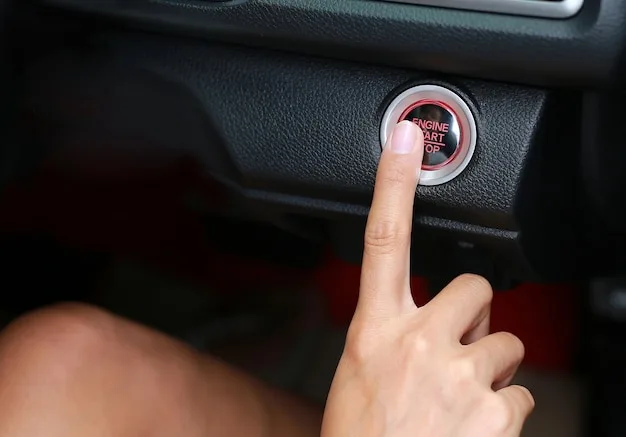
A retrospective from Purdue University on the history of kinesiology reminds us that physical interaction with our environment is fundamental to well-being and efficiency. Kinesiology studies human movement and proprioception, that is, the perception of the position and movement of our body. Physical buttons leverage this natural ability: they provide immediate tactile feedback, mechanical resistance, and a fixed position that our brain can memorize. Conversely, touchscreens require constant visual coordination and offer no stable physical landmarks.
This does not mean that touchscreens are bad in themselves. They excel at certain tasks: map navigation, text entry, browsing long menus, or displaying dynamic information. The problem arises when users are forced to perform simple and repetitive tasks through an interface that demands sustained visual attention. This is exactly what happened in many consumer products.
What concrete advantages do physical buttons offer users?
Defenders of physical buttons put forward several solid arguments, confirmed by studies in ergonomics and kinesiology. Here are the main advantages:
- Immediate tactile feedback: a physical button provides mechanical confirmation (click, resistance) that indicates the control has been activated, without having to check visually.
- Precision and error prevention: physical buttons are less prone to accidental activation than touch surfaces, because they require a deliberate press.
- Use without looking: once memorized, the position and function of a button allow blind use, which is essential for safety while driving or during manual activities.
- Accessibility: visually impaired people or those with motor difficulties often find physical buttons easier to use than touchscreens, which require precise coordination.
- Reliability in difficult conditions: physical buttons work with gloves, in the rain, or when fingers are wet, unlike capacitive screens that may not respond.
- Durability: although buttons can wear out, they are generally more robust than touchscreens, which can crack or lose sensitivity.
These advantages explain why many users are calling for the return of buttons for essential functions: volume, climate control, lighting, play/pause, etc.
What warning signs should you watch for before buying an all-touch device?
Not all touch devices are created equal. Some incorporate sophisticated haptic feedback or effective voice controls that compensate for the absence of physical buttons. Others are genuine usability nightmares. Here are some warning signs to look for before making a purchase:
- Deep and hidden menus: if adjusting a common function requires more than two touch interactions, the interface is probably poorly designed.
- Lack of haptic feedback: a screen that does not vibrate or provide any sensory feedback forces the user to look at the screen, which increases distraction.
- Small touch targets: virtual buttons that are too small or too close together lead to frequent errors.
- No voice alternative: if the device does not offer reliable voice control, users must resort to touch even in situations where it is not practical.
- Critical controls on screen only: in a car, if defrosting or hazard lights are accessible only via a touchscreen, it is a safety risk.
- Mandatory software updates: some manufacturers change the interface after purchase, moving functions or making certain controls harder to find. Check whether the device allows reverting to a previous layout.
If you spot several of these signs, it may be better to choose a product with physical buttons or a hybrid interface.
Should we expect touchscreens to disappear completely?
No, and it would be a mistake to believe so. Touchscreens offer undeniable advantages: dynamic display, navigation through complex menus, easy updates, and the ability to integrate numerous functions without clutter. The problem is not the touchscreen itself, but its exclusive use for all controls.
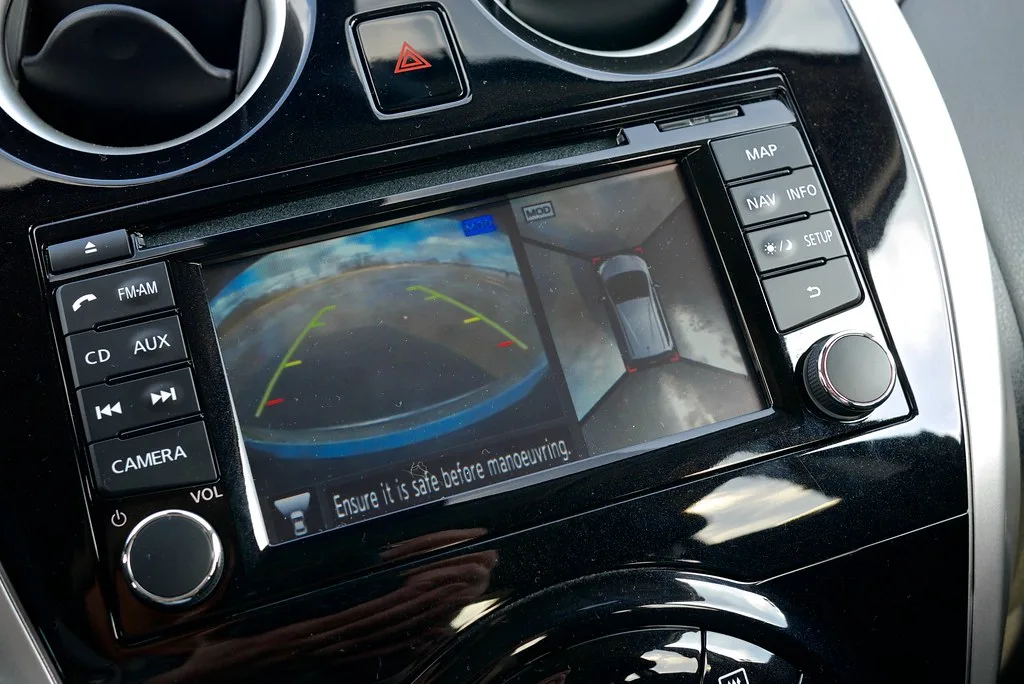
The emerging trend is hybridization: keeping a touchscreen for secondary or contextual functions (navigation, advanced settings, media) and reintroducing physical buttons for main and frequent functions (volume, climate control, playback, calls). This approach combines the best of both worlds: the flexibility of software and the reliability of hardware.
Some manufacturers go further by developing programmable physical buttons, whose function can be changed depending on context, but which retain mechanical feedback. Others are exploring touch surfaces with haptic feedback so realistic that it mimics the feel of a mechanical button. However, these technologies are still costly and not always convincing.
How to choose a gadget based on its interface?
For digital professionals evaluating products or advising clients, here is a practical framework:
- Identify critical functions: for each device, ask yourself which controls you will use most often and under what conditions (while driving, cooking, running). These functions must be quickly accessible, ideally through physical buttons.
- Test before buying: if possible, try the device in a store or watch video demonstrations. Pay attention to screen responsiveness, the presence of haptic feedback, and the ease with which you can perform common tasks without looking.
- Read user feedback: forums and online reviews are full of complaints about poorly designed touch interfaces. Look for mentions of "frustrating touch controls," "impossible to adjust without looking," etc.
- Check the update policy: some manufacturers fix interface problems through software updates, others do not. Check the device's update history.
- Consider accessibility: if the device will be used by elderly people, children, or people with disabilities, prioritize physical buttons.
- Be wary of all-touch on principle: unless the device has an exceptionally well-designed interface, all-touch is often a signal of cost reduction, not innovation.
By following these tips, you will avoid ending up with a beautiful gadget that is unusable in real life.
Conclusion: a return to the fundamentals of ergonomics
The return of physical buttons is not a simple fad. It is a course correction after a decade of sometimes excessive experimentation. Manufacturers have understood that technology must adapt to humans, not the other way around. The example of Volkswagen, which is reintroducing buttons after having removed them, shows that even major brands can make mistakes and listen to their customers.
For buyers, this is good news: you now have more choice, and hybrid products offer the best of both worlds. But stay vigilant: the marketing of "a return to physical" can also be used to mask other shortcomings. Demand proof: test, compare, and do not be seduced by unverified promises.
The next time you see a giant touchscreen in a car or on a washing machine, ask yourself whether that choice is made for you or for the manufacturer. The answer will help you make the right purchase.
Further reading
- Volkswagen Brings Back Physical Buttons: A Welcome Change for Drivers - Analysis of the return of physical buttons at Volkswagen and the positive reception from drivers.
- A look back: Former department head brought kinesiology, new opportunities for women to Purdue - Purdue University retrospective on the importance of kinesiology and physical interaction, useful for understanding the foundations of interface ergonomics.