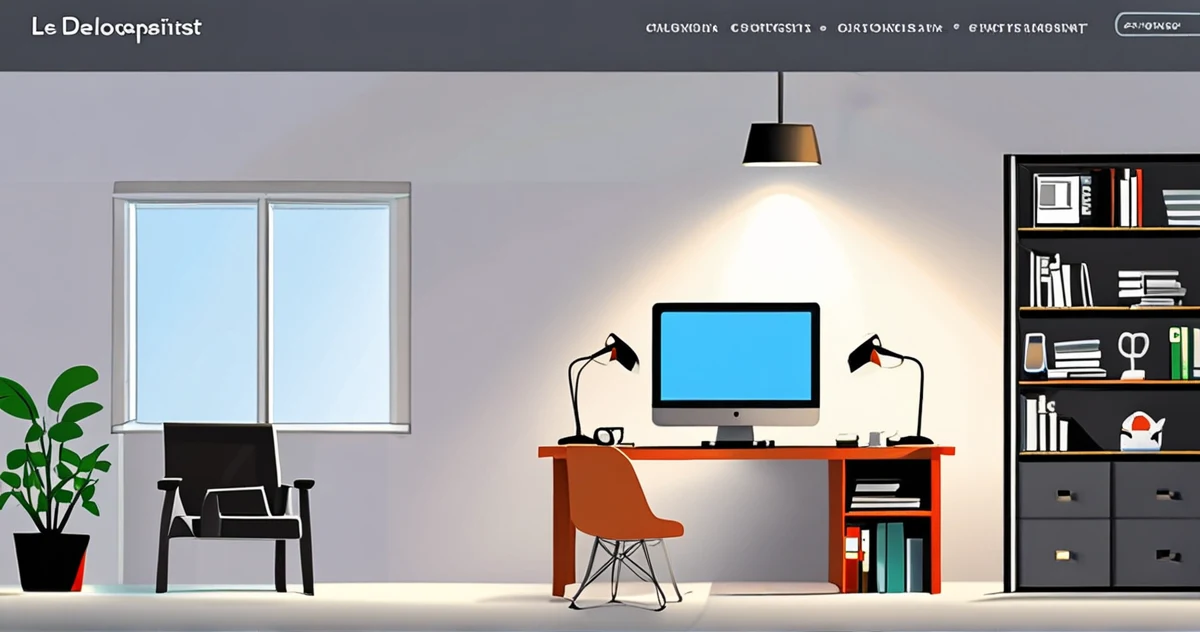
A full-stack developer spends an average of 37 minutes per day switching between windows, searching for files, and configuring tools before even being able to write a single useful line of code. This is not an invented statistic, but a realization shared by many professionals who find that their own work environment has become their main obstacle.
Productivity is not about accumulating more extensions, applications, or screens. According to a developer sharing their experience on Reddit, the key lies in "a balance between functionality, minimalism, and a smooth workflow." The goal is not to work more, but to reduce the friction between your thinking and its execution in code.
This article explores how to build a minimalist yet powerful development environment, relying on proven practices and modern tools. We will see why less can mean more, how to choose the right tools, and what pitfalls to avoid to not fall into "decorative minimalism" that harms real productivity.
The Myth of Productivity Through Accumulation
The temptation is great: install all recommended VS Code extensions, multiply screens, and stack productivity applications. A Strapi article lists 13 "essential" VS Code extensions for 2026. But essential for whom? The risk, highlighted by a developer on Dev.to, is to confuse an "apparently productive" environment with one that actually allows you to "enjoy your work," which they argue is the best way to be productive.
Red flag #1: Your toolbar or dock looks like a fighter jet dashboard. If you spend more time maintaining your tools than using them, you have passed the balance point. Complexity becomes noise.
The Core: Terminal, Editor, Environment
The heart of a minimalist setup rests on three pillars optimized for your personal flow.
1. The Rethought Terminal
Modern terminal emulators like Ghostty are game-changers. A Medium article details how to unlock their "hidden features" to boost productivity: integrated fuzzy search, advanced tab management, and fine customization without labyrinthine configuration files. The idea is not to memorize all keyboard shortcuts, but to configure a few that eliminate repetitive steps.
2. The Code Editor, Streamlined but Powerful
Instead of installing 50 extensions, identify the 5 to 10 that match your stack and recurring tasks. The Strapi article suggests focusing on extensions that "streamline the entire development process, from coding to deployment." For example, a linter, a formatting tool, an integrated Git client, and a debugger for your main language. Disable everything else.
3. The Physical and Software Environment
Screen configuration is a polarizing topic. On Reddit, experienced developers debate the "best setup." Some advocate for a single large ultra-wide screen to avoid window switching. Others prefer two screens, one for code, the other for documentation or outputs. The consensus? The configuration must support your "main workflow at the center of the screen," as one user notes. There is no universal answer, only the one that minimizes interruptions for you.
The Automated and Conscious Workflow
Active minimalism involves automating tedious tasks and eliminating trivial decisions.
- Shell scripts and aliases: Automate command sequences you type multiple times a day (project launches, test deployments).
- Project templates (boilerplates): Have pre-configured templates for your recurring project types.
- Containerized development environments: As mentioned by Speedscale, consistent and reproducible environments "enable smoother workflows, fewer bugs, and a more efficient development cycle." This eliminates "it works on my machine" issues.
Red flag #2: You spend more time tweaking your configuration (dotfiles) than producing code for your actual projects. The tool must serve the project, not the other way around.
Tools That Work for You (and Not the Opposite)
The "work smarter, not harder" philosophy guides tool selection. Pieces.app recommends choosing productivity tools that help "code faster, automate tasks, and optimize your workflow." This can include:
- Code snippet managers to reuse proven blocks.
- Intelligent search tools within your codebase and documentation.
- Code input assistants that go beyond simple completion.
The trick, as Ubiminds points out, is to "test different setups to find what works best for you." Adopt an iterative approach: add one tool at a time, evaluate its real impact on your speed or focus over a week, then decide to keep or discard it.
The Trap of Aesthetic Minimalism
It's easy to create a beautiful, clean environment... that is inefficient. A terminal with a rare but unreadable font at 14px. An editor with an elegant dark theme that strains your eyes after two hours. A physically "clean" workspace where the charger and cables are always out of reach.
True minimalism is functional. It removes everything superfluous, but fiercely preserves and optimizes what is essential to your creative process. As summarized by the developer on Dev.to, if your setup doesn't make you "enjoy your work," it has failed, no matter how minimal it is.
Conclusion: Toward the Essential
Building a minimalist development environment is not a one-time project, but a continuous discipline of editing and simplifying. It starts with an honest audit: what are the three tools you cannot work without? What are the five actions you repeat most often and could automate?
Maximum efficiency is not achieved when you have everything at hand, but when nothing interrupts the flow between your intention and the resulting code. The perfect setup is the one that disappears, leaving all your cognitive attention available to solve real problems.
Start today with a simple action: disable all your editor extensions, then re-enable them only when you feel a concrete need. You will likely discover that 80% of their functionality was superfluous. Your streamlined environment will become not just another tool, but the natural extension of your thinking.
To Go Further
- Dev.to - An Actually Productive Arch Linux Setup - Reflection on productivity linked to the pleasure of working and effective setups.
- Medium - Unlocking Ghostty: Hidden Features and Power Tips - Tips for optimizing the use of the Ghostty terminal.
- Ubiminds - Hack Your Coding Workflow - Recommendations for testing different setups and improving your workflow.
- Reddit - Best monitor setup for development - Discussions by experienced developers on screen arrangements.
- Reddit - My Updated Mac Productivity Setup as a Developer - Sharing of a Mac setup balanced between functionality and minimalism.
- Speedscale - Modern Development Environments Playbook - Guide on modern, reproducible development environments.
- Pieces App - Best Developer Productivity Tools - Presentation of tools to code faster and automate tasks.
- Strapi - 13 Essential VS Code Extensions for 2026 - List of VS Code extensions to streamline the development process.